· 3 min read · Product
Introducing Studio: your tool to guide in-house photography and onboarding
If you photograph items your own way, outside the app, in bulk, or through the API, Studio is a useful guide for the angles.

Legitmark Team
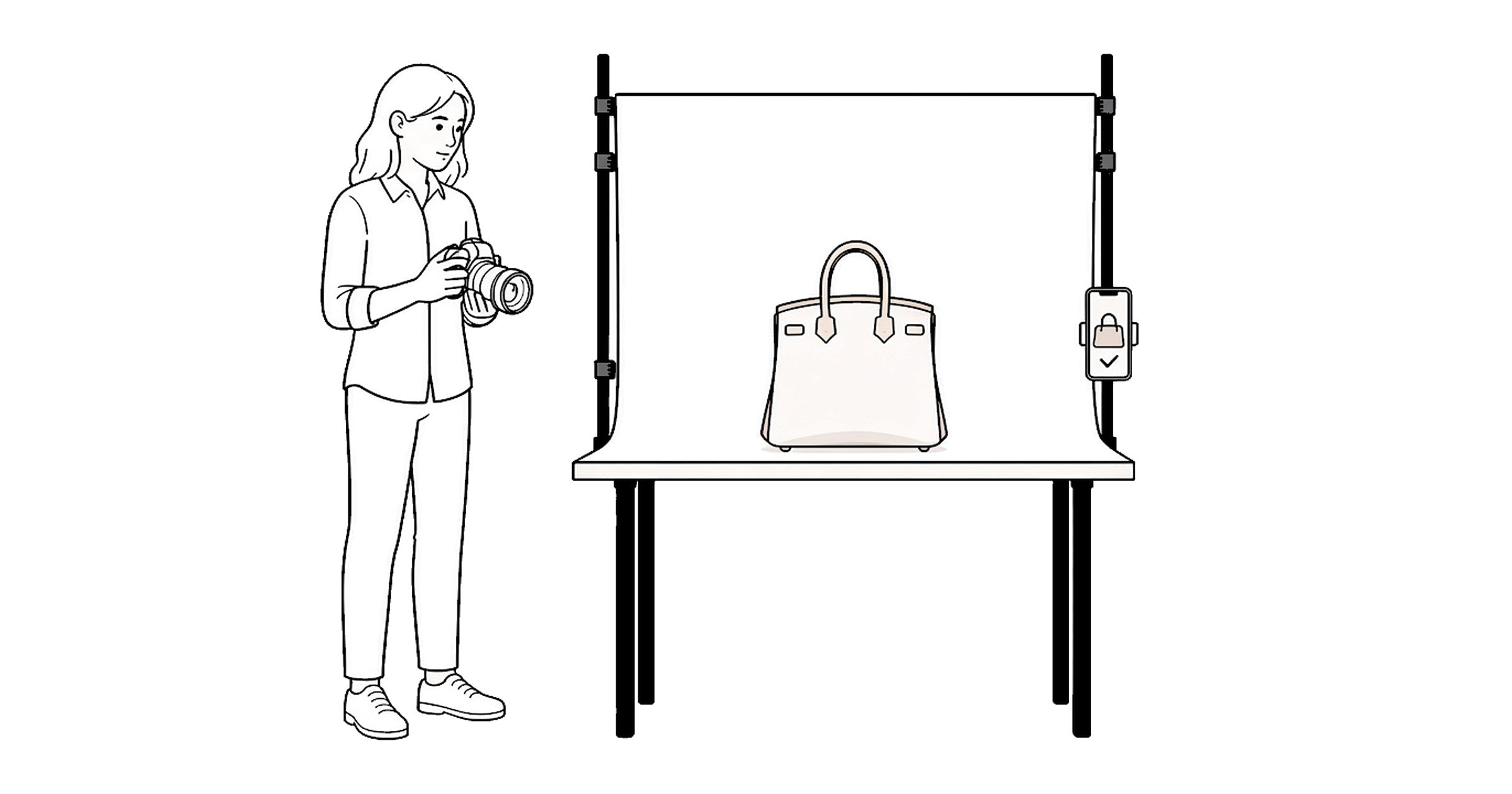
Table of Contents
If you photograph items on your own camera, send them in a bulk upload, or submit them through the API, Studio is useful for that shoot. Open an item, follow the angles, and use the same screen for onboarding. Nothing here starts a submission.
Until now, those angles lived inside a submission. Walking through a shoot meant opening one that was not ready to send, or calling each angle out from memory.
Pick the item in Studio. The references for that item are on screen. Mark a shot once the photo exists, skip an angle that can wait, and move between one angle at a time and the full set. Nothing on this screen is submitted.
One angle, or the whole set
Card shows a single reference: the image, the name, and where that angle sits in its group. List shows every angle at once, split into Recommended and Optional, so the set can be worked in any order.
Switch between the two at any point. The last choice is still selected the next time Studio opens.
Mark a shot, or leave it
Tap the check once the photo exists. Studio moves on. Skip an angle that is not possible right now and come back to it. A skip drops out of the count, so the numbers stay accurate, and the center button undoes either one.
Progress stays on the phone, on that item. Open Studio again and the same shots are still marked.
Use it on a shoot, or for onboarding
- On a shoot: The camera can be outside the app. Studio stays open beside it as the guide for which angles to get.
- Onboarding and training: Open the item and walk the angles. The references are the brief.
- Before authenticating: Get the set together first. Studio does not start a submission.
When the photos are already your process
Studio is the guide for a shoot you already run your own way.
- Outside Legitmark: The photos are taken on your camera. Studio shows which angles to get.
- Bulk upload: The set goes in as a batch. Contact us about bulk uploading.
- API: Your platform sends the items. The angles stay the same. See the Legitmark API.
What stays the same
Authenticating an item is still a submission. Studio never asks for a photo and never sends one. If Studio stays closed, submitting works the same as before.
Studio is rolling out gradually. When it is on an account, open Profile and tap Studio.